Apple MacBook Neo Is Here: Apple’s New $799 Laptop Explained

MacBook Neo at a Glance
Apple has officially introduced the new MacBook Neo, a lower-cost MacBook built for students, first-time Mac buyers, and anyone who wants the Apple laptop experience without MacBook Air pricing.
- 13-inch Liquid Retina display with 500 nits brightness
- A18 Pro chip with fanless, silent performance
- Up to 16 hours of battery life
- Durable aluminum design in four colours
- Starts at $799 CAD, with availability beginning March 11
A More Affordable Way Into Mac
The biggest story here is simple: MacBook Neo brings the Mac experience down to a price point that feels far more approachable. At a starting price of $799 CAD, Apple is clearly targeting buyers who may have been looking at budget Windows laptops, Chromebooks, or older used MacBooks.
And unlike the ultra-budget laptops many people settle for, MacBook Neo still keeps the parts that make a Mac feel premium: a full aluminum body, a high-quality display, a proper trackpad, strong battery life, and a clean fanless design that runs silently.

Source: Apple
Design That Still Feels Premium
Even though MacBook Neo is the most affordable MacBook yet, Apple did not cheap out on the exterior. It uses a durable aluminum enclosure, weighs just 2.7 pounds, and comes in four colours: blush, indigo, silver, and citrus.
That matters because a lot of lower-priced laptops tend to feel disposable. MacBook Neo looks like Apple is trying to offer something more polished and longer-lasting — especially for students, families, and general everyday users.
Build Highlights
- Lightweight 2.7 lb design
- All-aluminum enclosure
- Four colour options
- Fanless design for silent use
- Color-matched keyboard and wallpapers
A Display That Feels Better Than “Budget”
One of the best parts of the announcement is the screen. MacBook Neo gets a 13-inch Liquid Retina display with a 2408 x 1506 resolution, 500 nits brightness, and support for 1 billion colours.
In plain terms, that means this is not the kind of washed-out display you normally expect at the lower end of the market. For schoolwork, content streaming, browsing, documents, and even light creative work, this should feel significantly nicer than many entry-level alternatives.

Source: Apple
A18 Pro Inside a MacBook
This is where things get especially interesting. Instead of using an M-series chip, Apple has put the A18 Pro inside MacBook Neo. That means this machine is tuned more for efficient everyday use than for heavier pro workflows.
For typical buyers, that is not a bad thing. If your day looks like Safari tabs, email, documents, streaming, video calls, Canva, spreadsheets, light photo editing, and general multitasking, MacBook Neo should feel fast and responsive while staying cool and quiet.
Apple is also leaning into AI here, with a 16-core Neural Engine for Apple Intelligence features and other on-device AI tasks. So while this is the entry MacBook, it is still clearly built for modern software and long-term everyday usability.
Performance Highlights
- A18 Pro chip
- 16-core Neural Engine
- 5-core GPU for smooth everyday graphics
- Silent fanless operation
- Built for Apple Intelligence and daily multitasking
Battery Life, Keyboard, and Everyday Use
Apple says MacBook Neo delivers up to 16 hours of battery life, which is a major win for students and anyone working on the go. That kind of battery makes this a practical everyday laptop for classrooms, coffee shops, travel, and basic home use.
It also includes Apple’s Magic Keyboard, a large Multi-Touch trackpad, a 1080p FaceTime HD camera, dual microphones, and dual side-firing speakers with Spatial Audio support. In short, Apple is trying to make sure the “affordable” Mac still feels complete in daily use.

Source: Apple
Ports and Connectivity
MacBook Neo keeps things simple but practical. You get two USB-C ports, both usable for charging, plus a 3.5mm headphone jack. On the wireless side, it supports Wi-Fi 6E and Bluetooth 6.
That should be enough for most casual and student users, though people with a more complicated desk setup may still want a USB-C hub or external accessories to make the most of it.
Who MacBook Neo Makes Sense For
From a real-world buying perspective, MacBook Neo looks like it makes the most sense for:
- Students who want a reliable laptop for school, browsing, Zoom, and assignments
- Families looking for a shared home laptop
- First-time Mac buyers who do not want to overspend
- Users upgrading from much older Intel MacBooks or budget Windows machines
It is probably not the MacBook for heavy video editors, developers running demanding workflows, or buyers who need more ports and sustained performance. But for everyday use, it looks like Apple is trying to hit a very sweet spot.
Why This Launch Matters
What makes MacBook Neo interesting is not just the lower price — it is that Apple is bringing a more complete Mac experience to a price range that usually comes with compromises. If the real-world performance matches Apple’s promise, this could end up being one of the most important Mac launches for mainstream buyers in a long time.
For many people, this may be the first new MacBook that actually feels financially realistic without having to hunt for refurbished units or older generations.
Shop Accessories & Tech That Pair Well with MacBook Neo
Looking to complete your setup? Here are a few in-stock picks from Price Slash that fit nicely into a MacBook-friendly workspace.
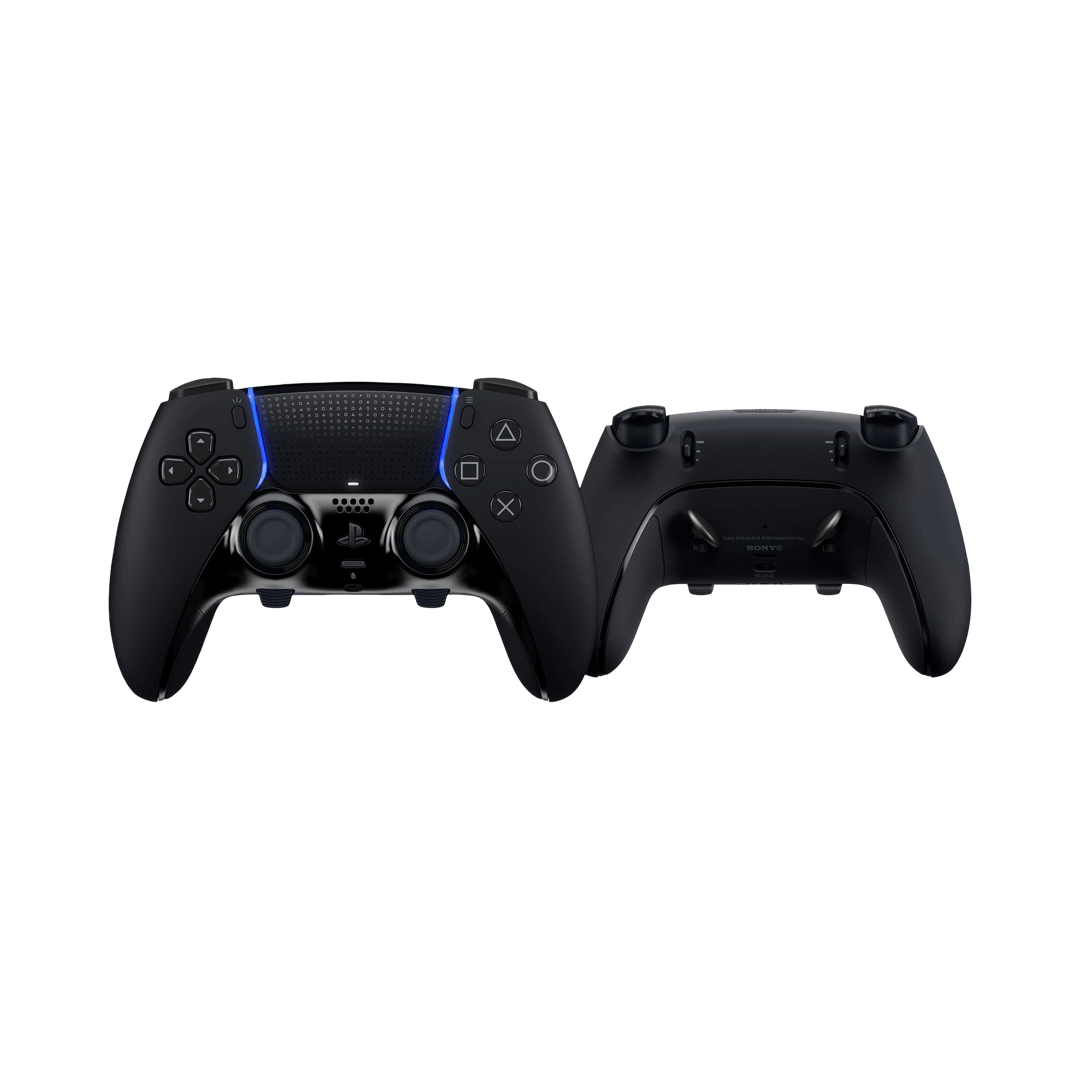
PlayStation DualSense Edge Wireless Controller – Midnight Black
A premium wireless controller that pairs easily with Mac via Bluetooth, making it great for Apple Arcade and other Mac-compatible games.
Shop Now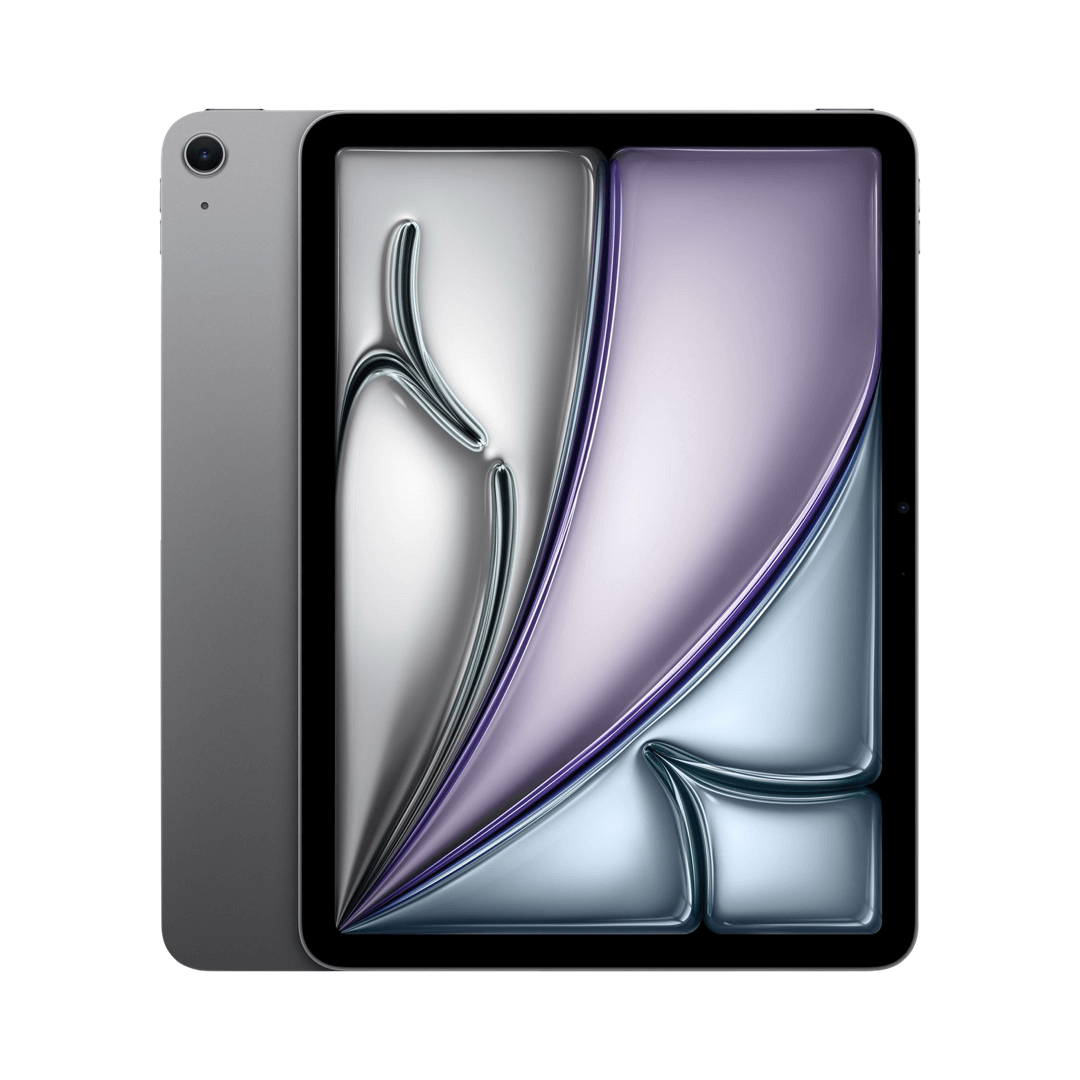
Apple iPad Air 13-inch (M3) 128GB - Space Grey
A strong companion device for note-taking, sidecar-style workflows, media use, and staying inside the Apple ecosystem.
Shop Now
Beats Solo 4 On-Ear Bluetooth Headphones - Grey
Lightweight on-ear headphones with powerful sound, long battery life, and seamless connectivity with Apple devices for everyday listening.
Shop Now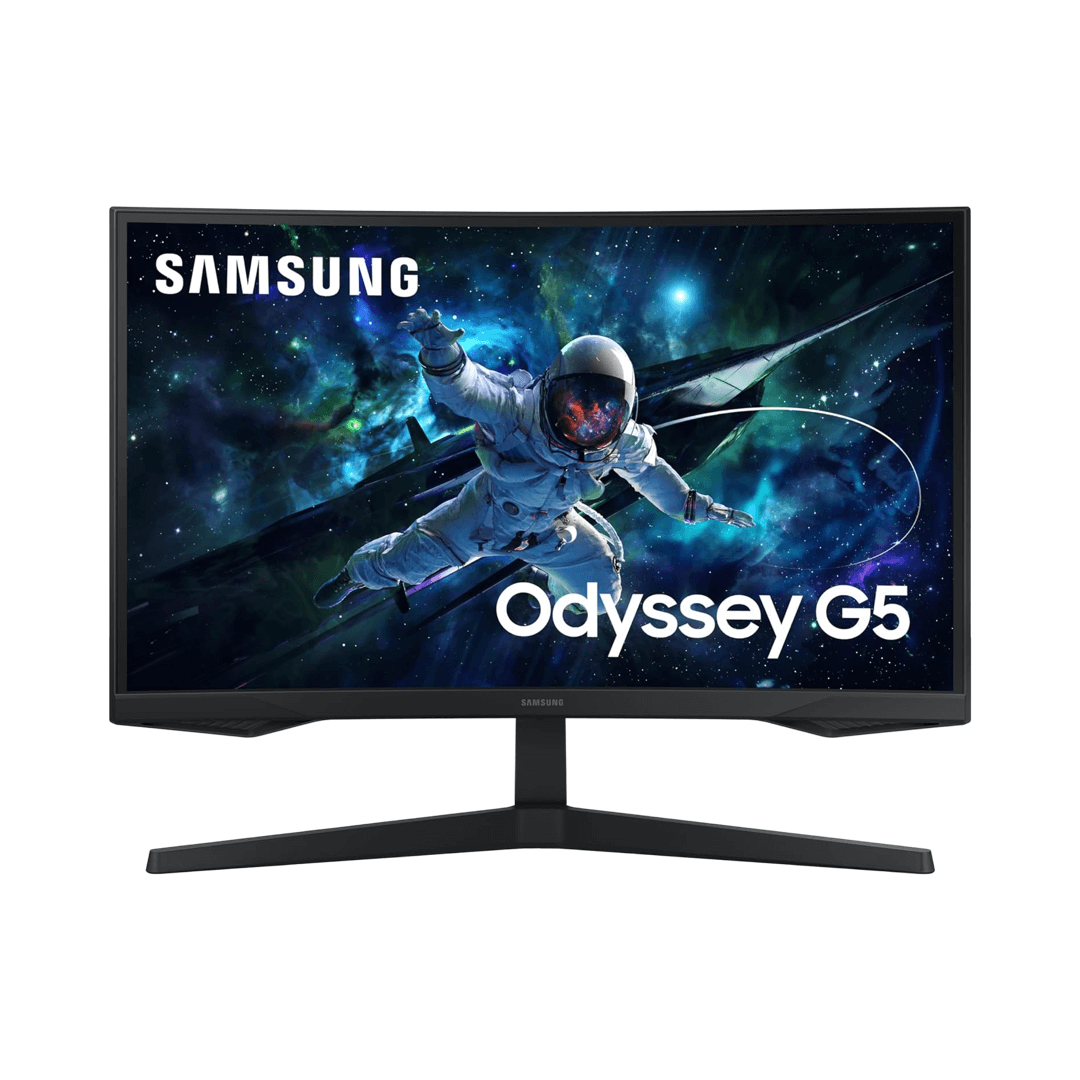
Samsung Odyssey 27-inch QHD Curved Gaming Monitor
Upgrade your desk setup with a curved QHD display that provides more screen space for multitasking, creative work, and immersive entertainment.
Shop NowExplore More Tech at Price Slash
Discover open-box and brand-new electronics at competitive Canadian prices — from Apple gear and accessories to monitors, audio, tablets, and more.
Shop All ProductsAt Price Slash, we focus on bringing you premium tech at better value. Whether you are upgrading your desk setup, adding Apple-friendly accessories, or shopping for your next everyday device, we make it easier to save on the tech you actually want.
Explore more. Save more.
Written by the Price Slash Team | Published: March 4, 2026